Nothing gets above
fullscreen. Except Float.
macOS locks every app behind its own fullscreen Space — even Chrome’s picture-in-picture. Float rides the native window layer reserved for system UI, so one small browser window stays on top of it all.
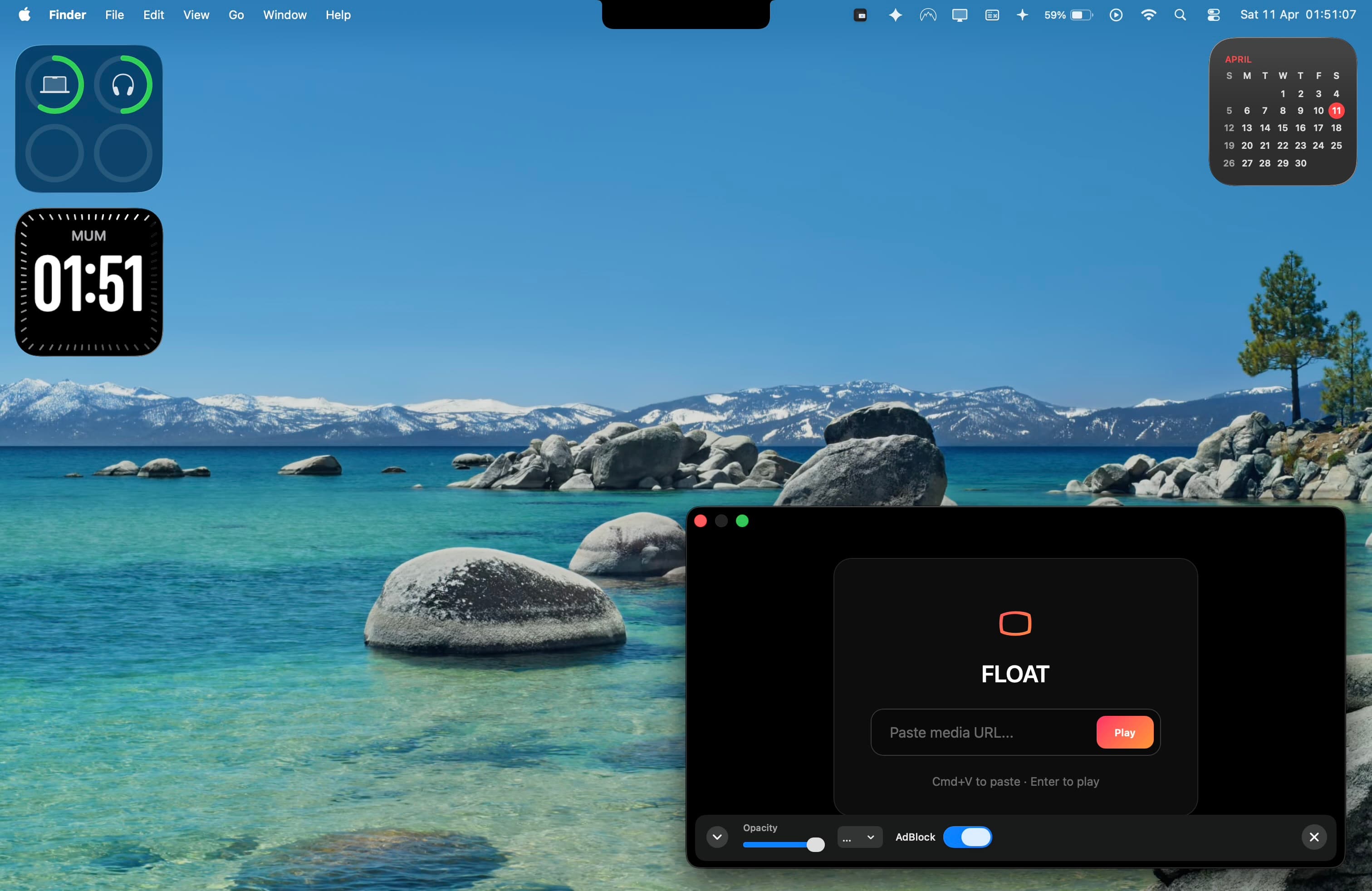
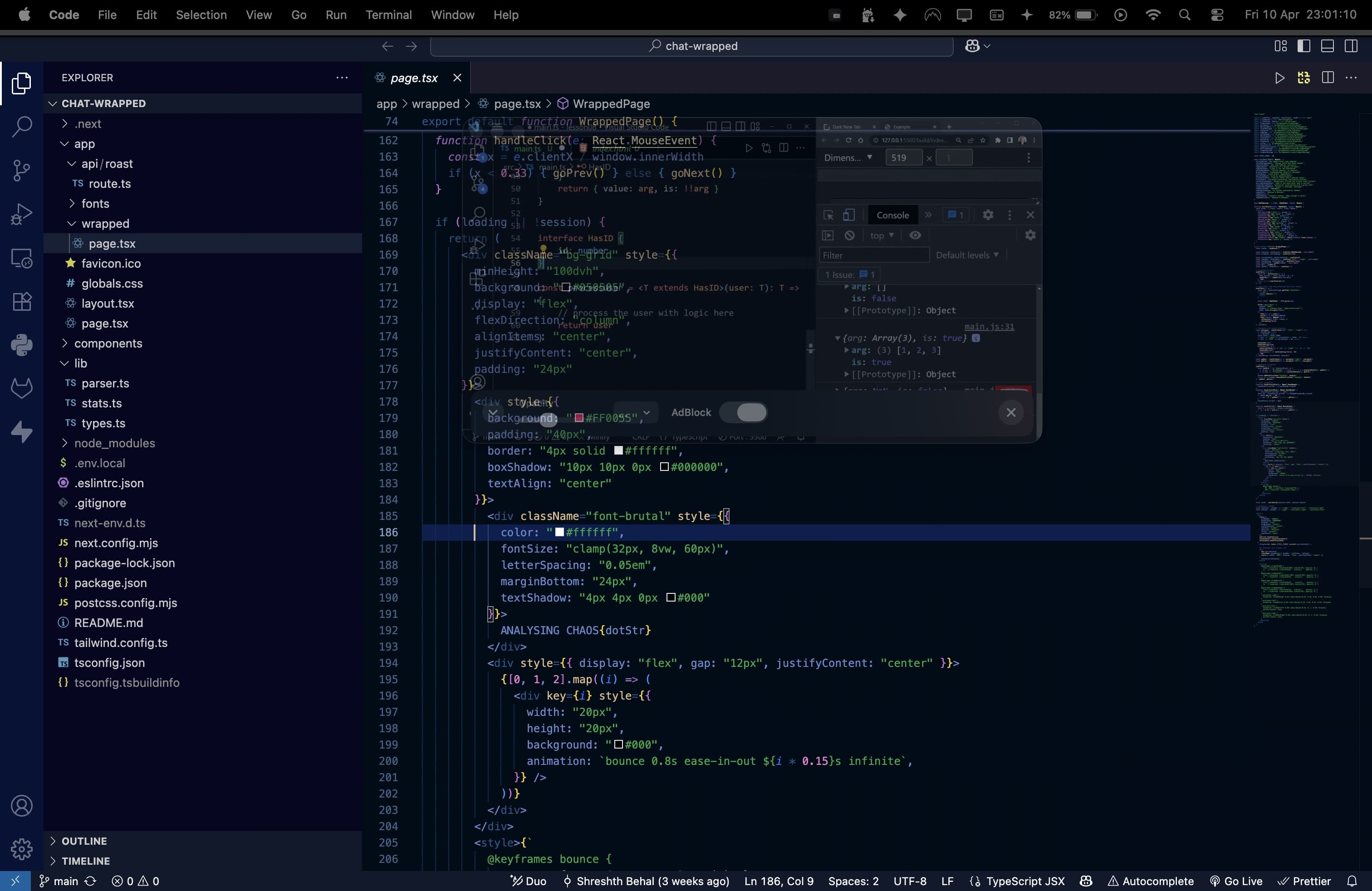
Fade it to a whisper.
Dial the opacity down and Float melts into your work — there when you glance over, invisible when you don’t. Drag the slider to see it happen over a real fullscreen editor.
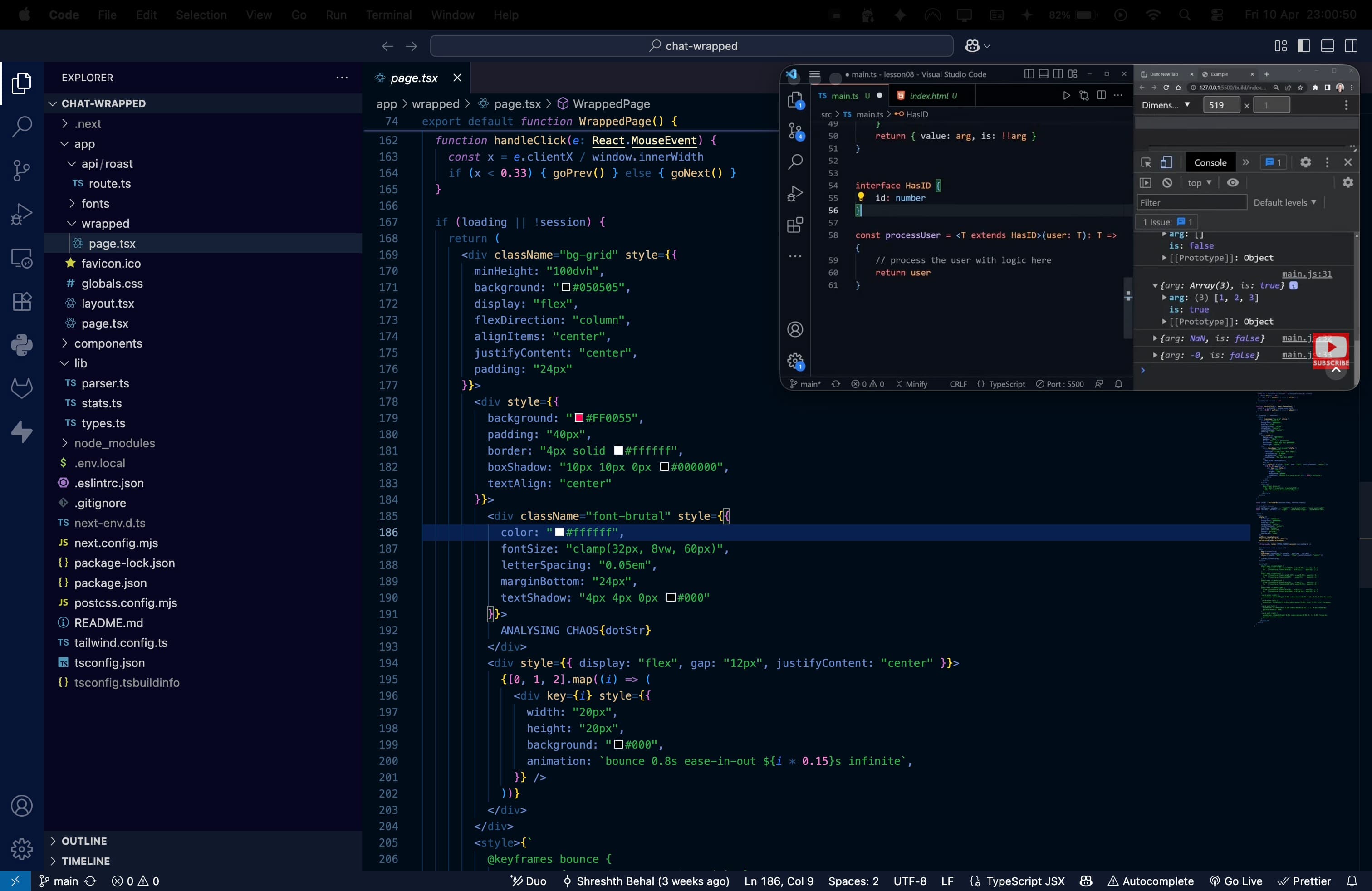
Watch anything, anywhere you work.
YouTube, Twitch, a livestream, a lecture, a local file — playing over your editor without ever leaving fullscreen.
Small window. Serious range.
Rides every Space
Stays pinned above all your desktops and fullscreen apps at once — the native trick that makes Float work everywhere you go.
Web + DRM-compatible streaming
Keep a site, docs, dashboard, YouTube, Twitch, or supported streaming service in view. Sign in with your own account.
Dial the opacity
Fade it back to a ghost while you work, then bring it forward when you glance over.
Ad-free playback
Skips YouTube and Twitch ads so your reference stream never interrupts your flow.
Drop in local video
Drag an MP4 or MOV straight onto the window and it plays — no browser needed.
Global shortcuts
Show, hide, resize, and pin from anywhere without reaching for the mouse.
Free to float. $9.99 to go Pro.
one-time payment · no subscription · one device per key
Free
$0
- checkOne floating window
- checkFull web browsing
- checkOpacity control
- checkLocal media playback
Pro
ONE-TIME$9.99
- checkUp to 5 windows
- checkAd blocker for YouTube + Twitch
- checkSize presets
- checkGlobal keyboard shortcuts
- checkAuto-hide when inactive
Good to know
Does Float really stay on top of full-screen apps?add
Yes. macOS normally hides every window behind a full-screen app in its own Space — even Chrome and Arc picture-in-picture. Float uses the native window layer macOS reserves for system UI, so your floating window stays visible over full-screen editors, games, and presentations.
How is Float different from Chrome or Safari picture-in-picture?add
Browser PiP is limited to one video and disappears the moment you enter full-screen. Float floats a full browser window — any site, not just video — that survives full-screen and every Space, and adds opacity, an ad blocker, size presets, and keyboard shortcuts.
Is Float a Helium alternative?add
Yes. Helium was a beloved floating browser for Mac that is no longer maintained on modern macOS. Float is an actively developed, native alternative built for macOS 13 and later, on both Apple Silicon and Intel Macs.
Can I watch Netflix, YouTube, or Twitch while I work full-screen?add
Yes. Float floats a real browser window over your full-screen editor or game. It supports DRM-compatible playback for supported streaming websites, so you can sign in to your own services as you would in Safari. Provider support may vary by service, title, region, account, and policy. Pro also blocks YouTube and Twitch ads.
How much does Float cost?add
Float is free to start — one floating window, full browsing, opacity, and local media. Pro is a one-time $9.99 payment (no subscription) and unlocks up to 5 windows, the ad blocker, size presets, global shortcuts, and auto-hide.
Does Float work on Apple Silicon and Intel Macs?add
Yes. Float is a native, universal app for macOS 13 Ventura and later, running on both Apple Silicon (M1/M2/M3) and Intel Macs. The download is about 1.8 MB.