Guide · Updated 2026
The best Helium alternative for Mac
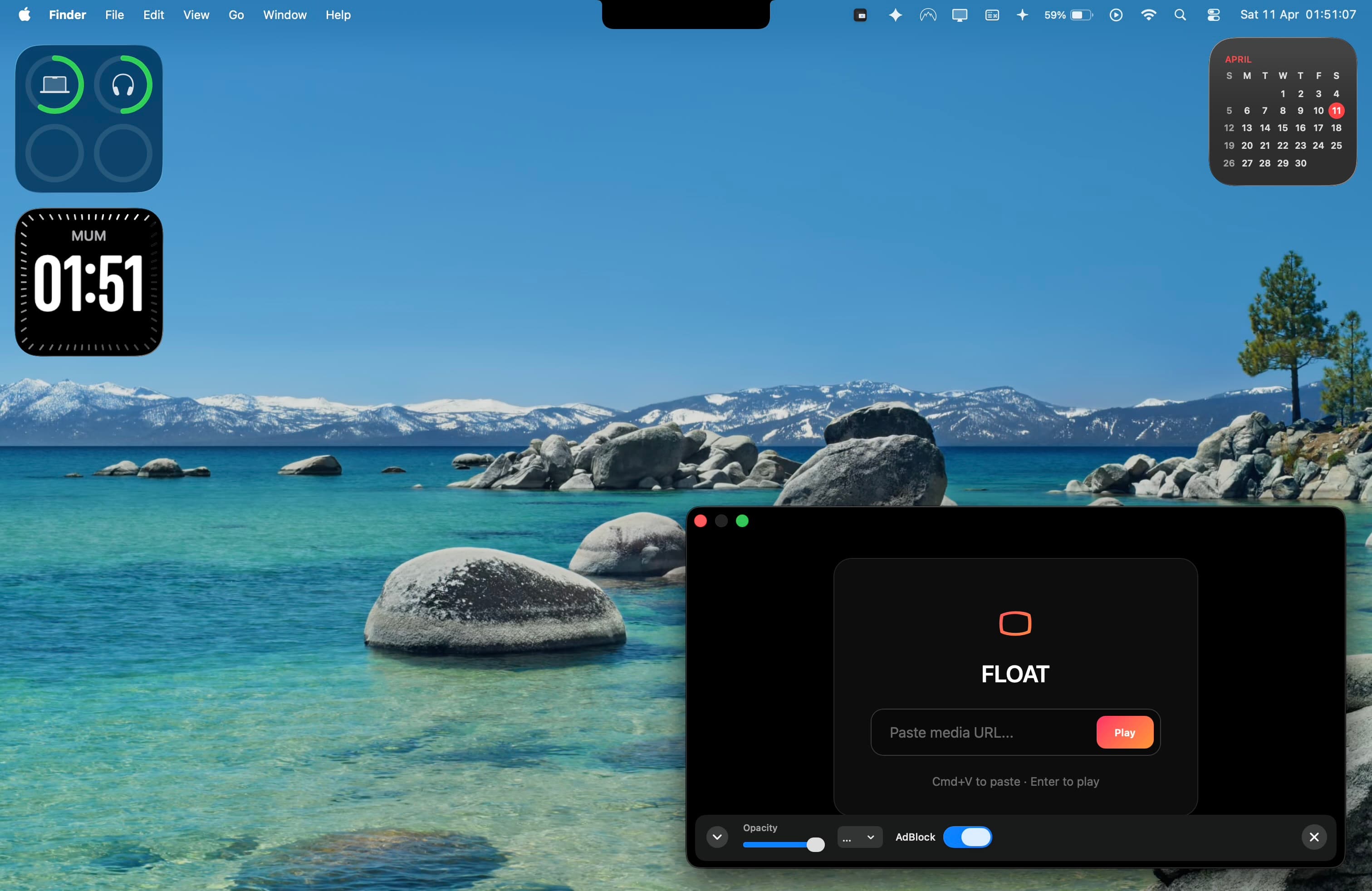
Helium was a beloved little app that floated a browser window on top of everything on your Mac — perfect for keeping a video or reference page visible while you worked. It hasn’t been maintained for years and no longer works reliably on modern macOS. If you landed here looking for it, Float is the native, actively developed successor.
Why people are leaving Helium
Helium stopped being updated and was never signed or notarized, so recent versions of macOS increasingly block it or crash it. It also predates macOS’s full-screen Spaces model — which means the one thing people most want a floating window for (keeping it visible over a full-screen app or game) is exactly where old Helium falls down.
How Float compares
| Helium (classic) | Float | |
|---|---|---|
| Actively maintained | No (abandoned) | Yes |
| Works on macOS 13+ | Unreliable | Yes |
| Signed / notarized | No | Native, code-signed |
| Floats over full-screen apps | No | Yes — the core feature |
| Opacity / ghost mode | Yes | Yes |
| Ad blocker (YouTube/Twitch) | No | Yes (Pro) |
| Price | Free (unmaintained) | Free · $9.99 one-time Pro |
The one thing Float does that nothing else can
macOS puts every full-screen app in its own isolated Space and hides all other windows behind it — which is why even Chrome’s and Safari’s picture-in-picture vanish the moment you go full-screen. Float uses the native window layer macOS reserves for system UI, so your floating window stays put over full-screen editors, games, and presentations. That’s the capability old Helium never had, and it’s why Float is the right successor. Read more in why picture-in-picture disappears over full-screen on Mac.
Questions
Is Helium still available for Mac?add
Helium (the floating browser by Jaden Geller) is effectively abandoned — it has not been updated for modern macOS, is unsigned, and is unreliable on macOS 13 Ventura and later. Most users looking for it today need a maintained alternative.
What is the closest alternative to Helium?add
Float is the closest native successor. Like Helium it floats a real browser window on top of your other windows, but it is actively developed for current macOS, is code-signed and tiny (about 1.8 MB), and — unlike Helium — stays on top even over full-screen apps and Spaces.
Is Float free like Helium was?add
Float is free to start: one floating window, full browsing, opacity, and local media. A one-time $9.99 Pro upgrade (no subscription) adds up to 5 windows, an ad blocker for YouTube and Twitch, size presets, global shortcuts, and auto-hide.
Is Float the same as the Helium browser (helium.computer)?add
No. "Helium" now also refers to a newer AI web browser at helium.computer. If you are looking for the classic floating video/PiP window Helium was known for — not a full browser replacement — Float is what you want.
Try the Helium successor
Free to start, one-time $9.99 for Pro. Native, 1.8 MB, no subscription.
Download Float